A charge
Was that normal?
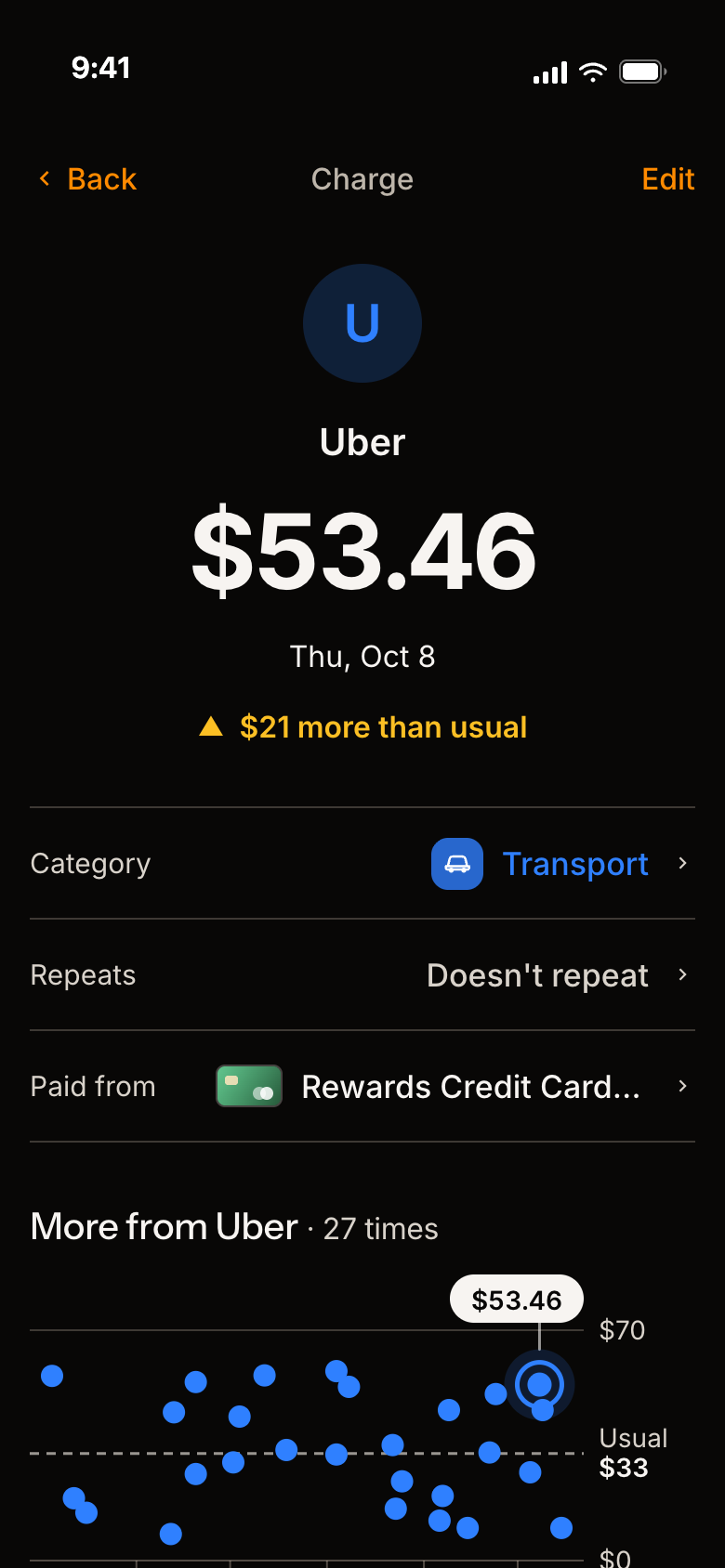
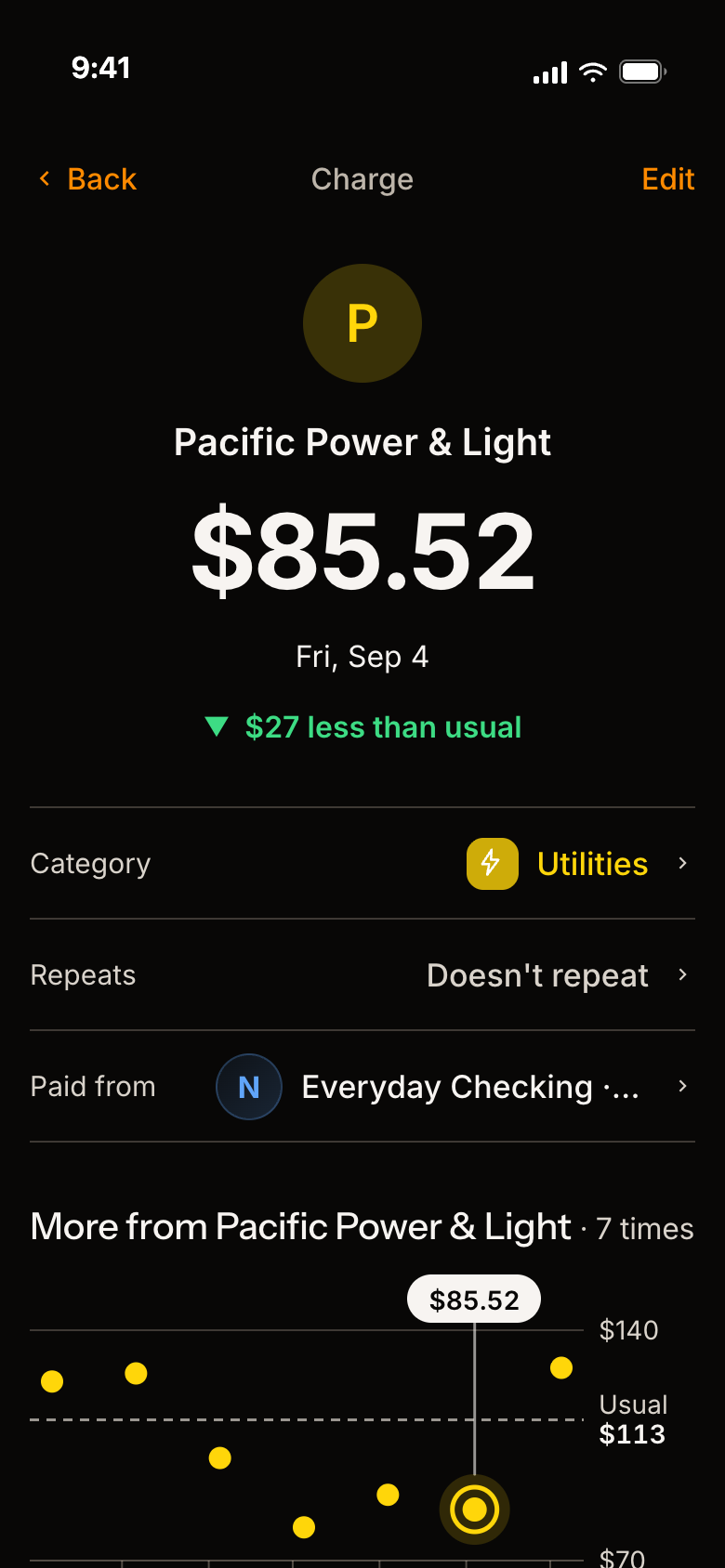
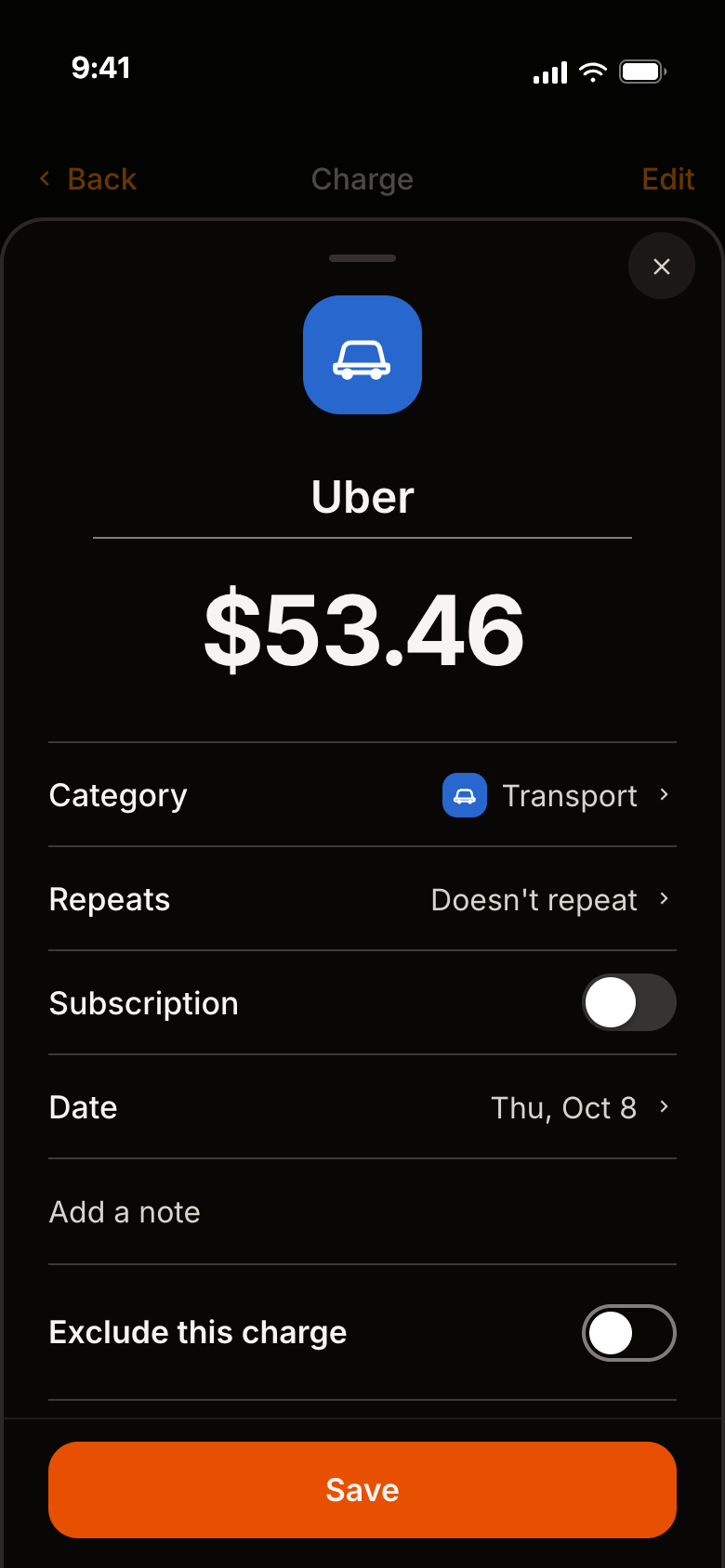
Tap any charge to see how it compares with your usual.
Pick a charge
- 01See right away if it was high or low for you.
- 02Each dot is a past visit. The dashed line is your usual.
- 03Tap Edit to fix the category, date or amount.
A spending tracker for iPhone · coming soonComing soon to iPhone
Know when your spending is off, and see exactly why. No budget needed.

Scroll to see how it works
Tap any charge to see how it compares with your usual.
Pick a charge
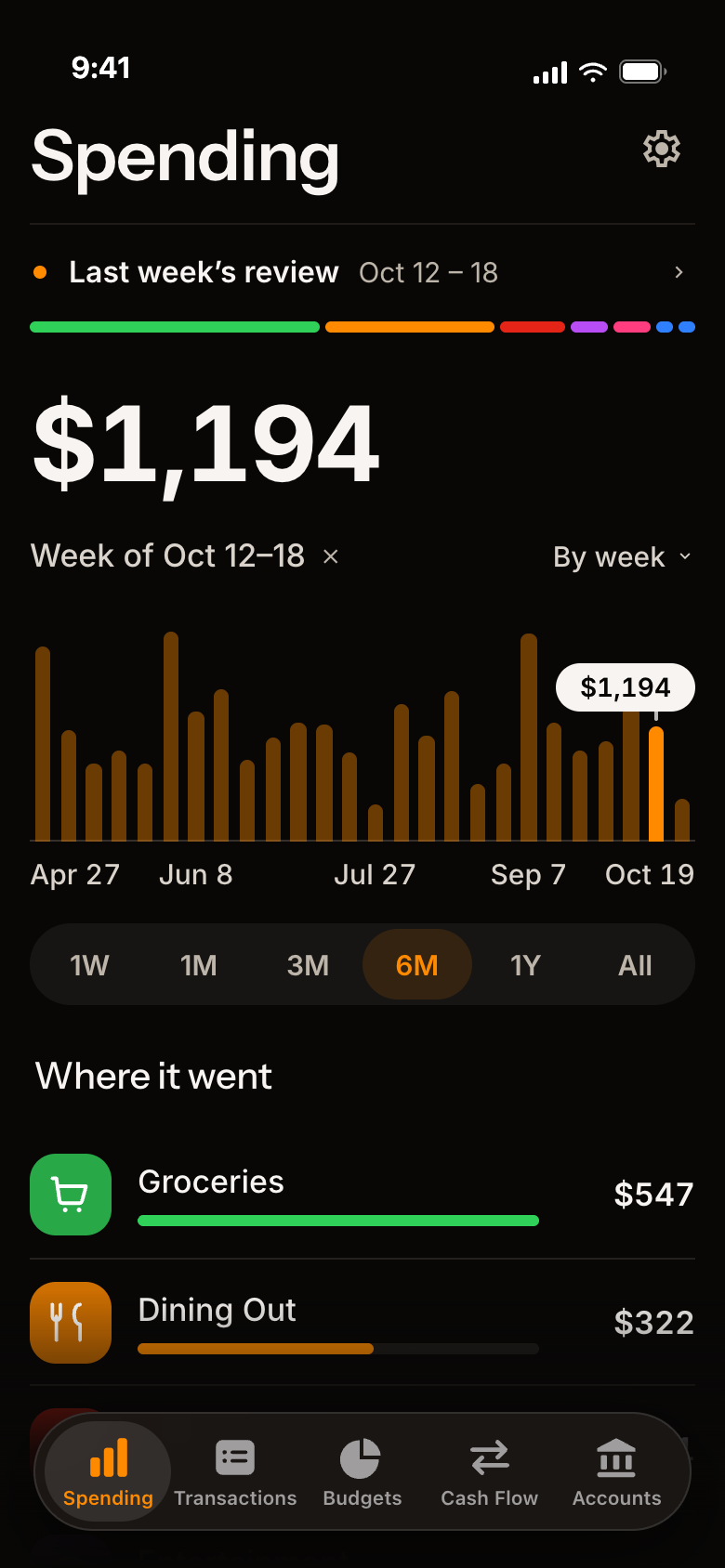
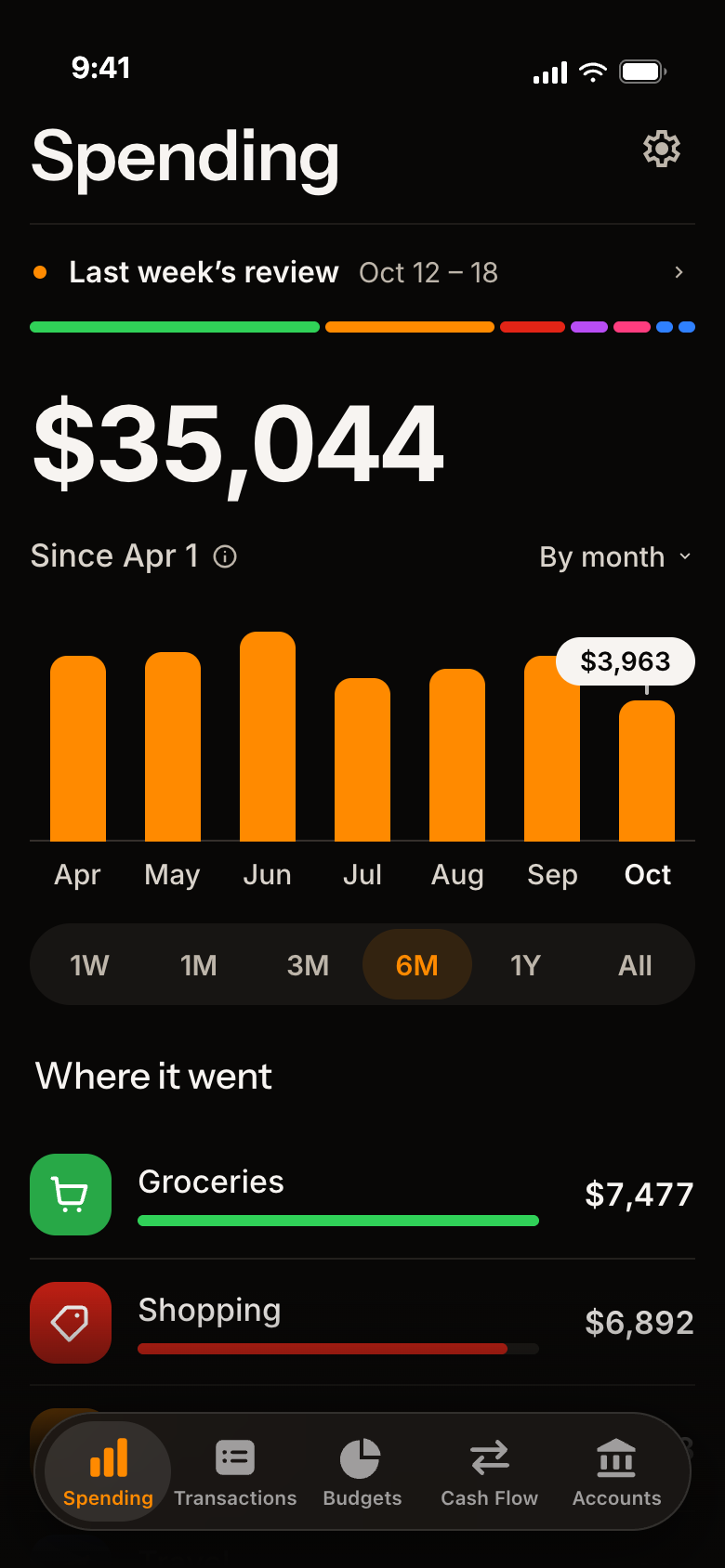
Day, week or month. You pick.
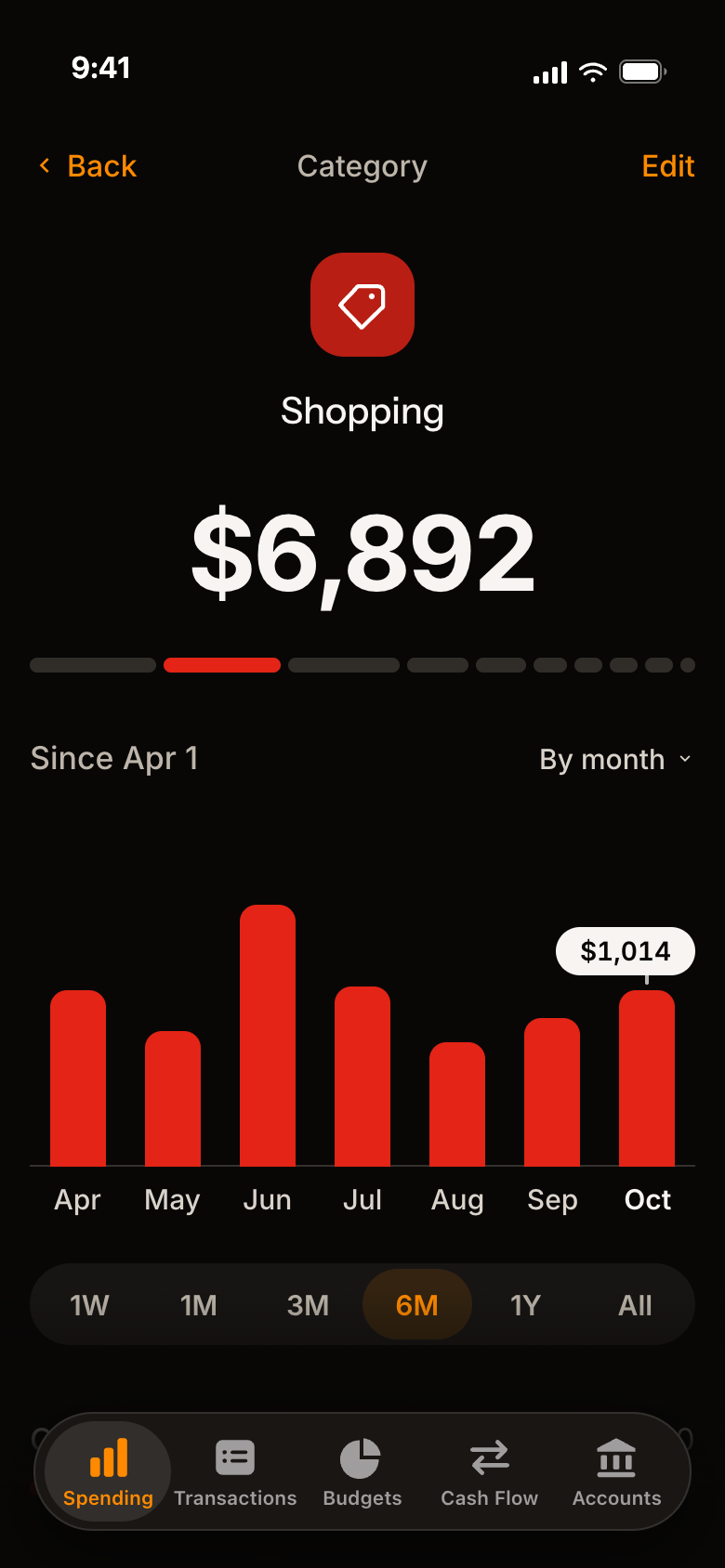
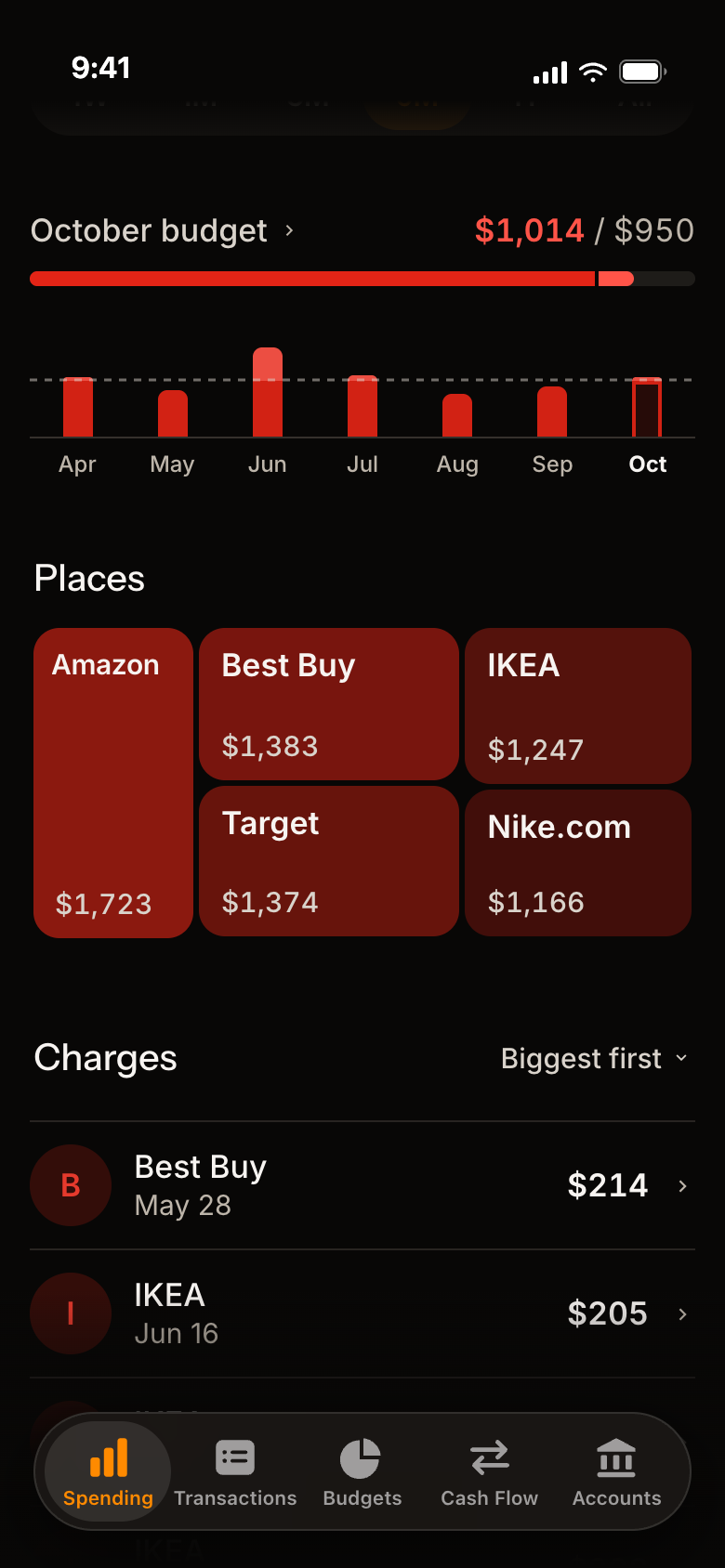
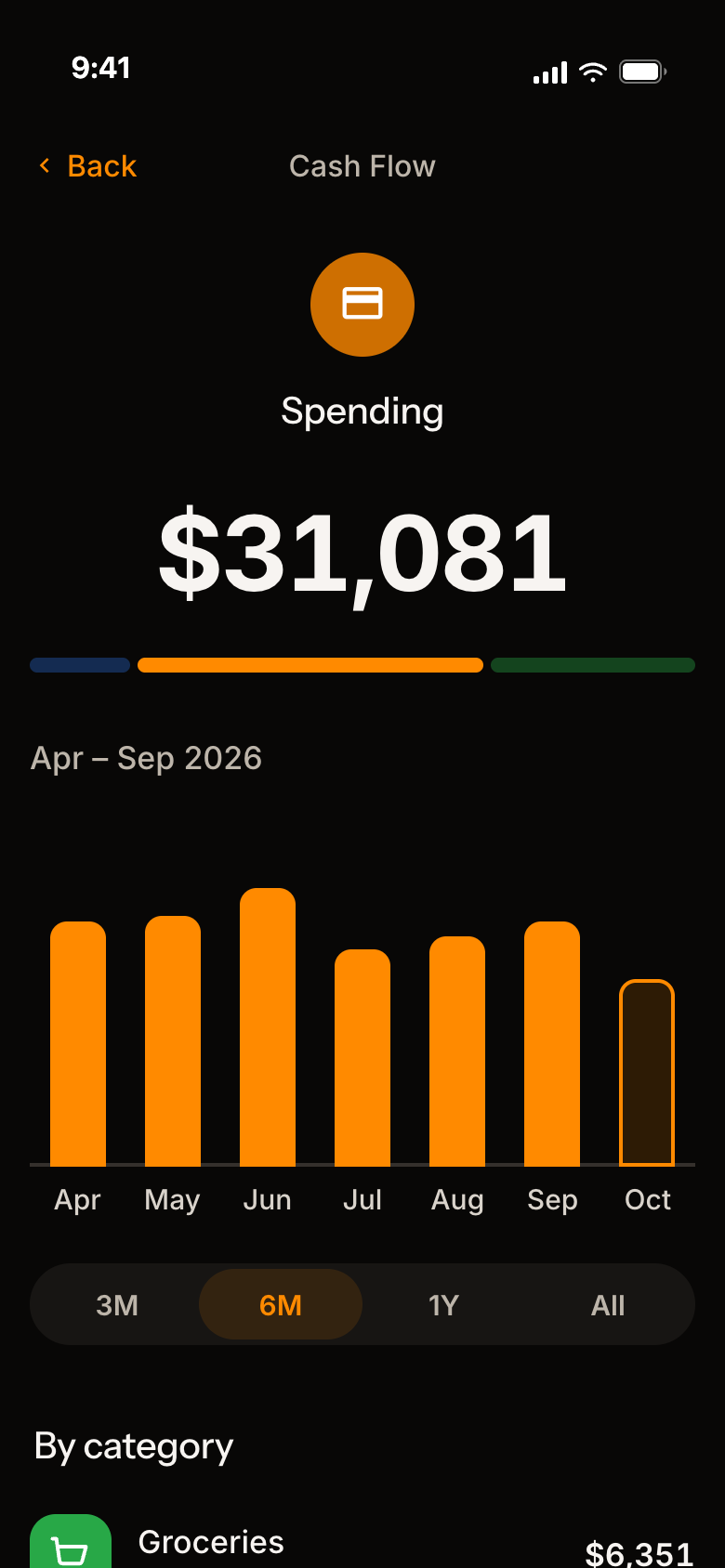
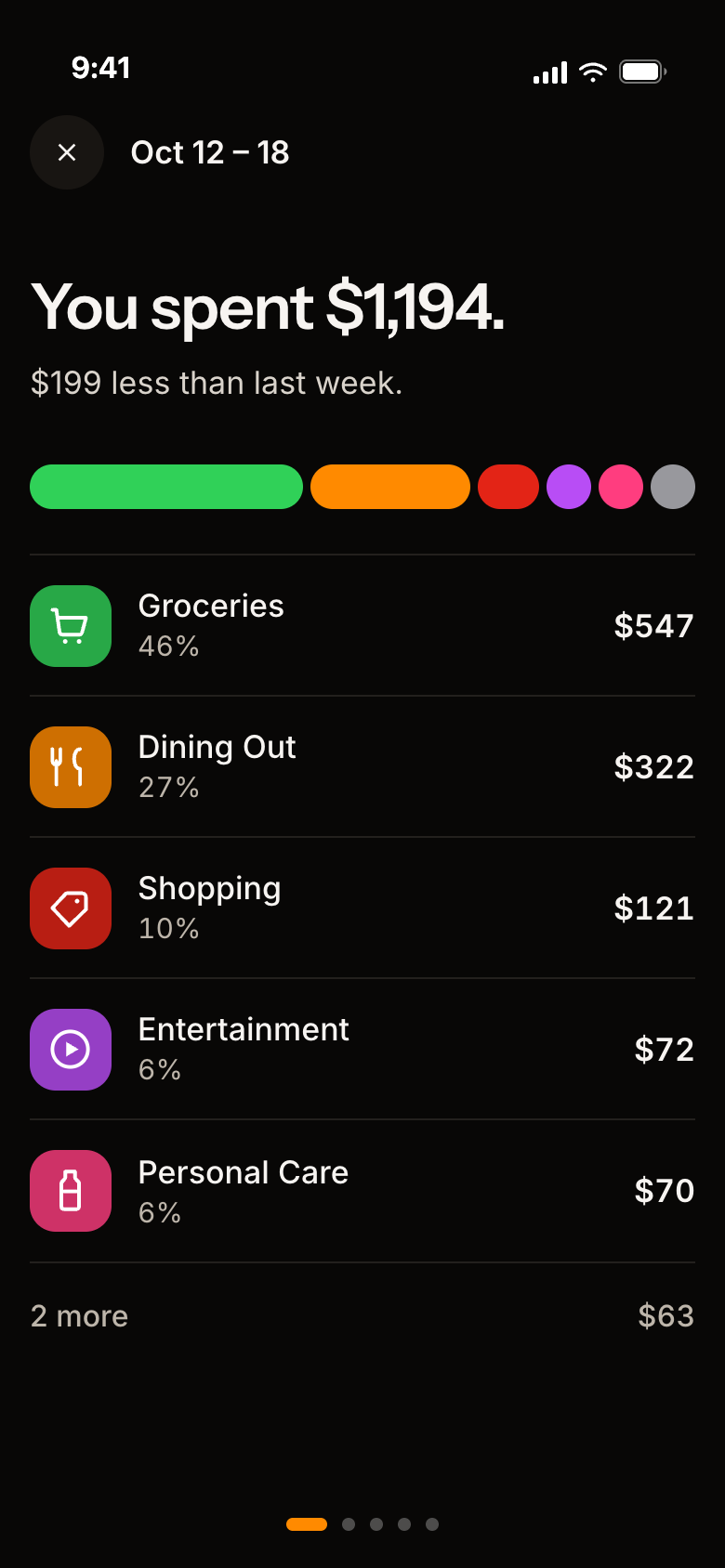
Tap any category for the full story.
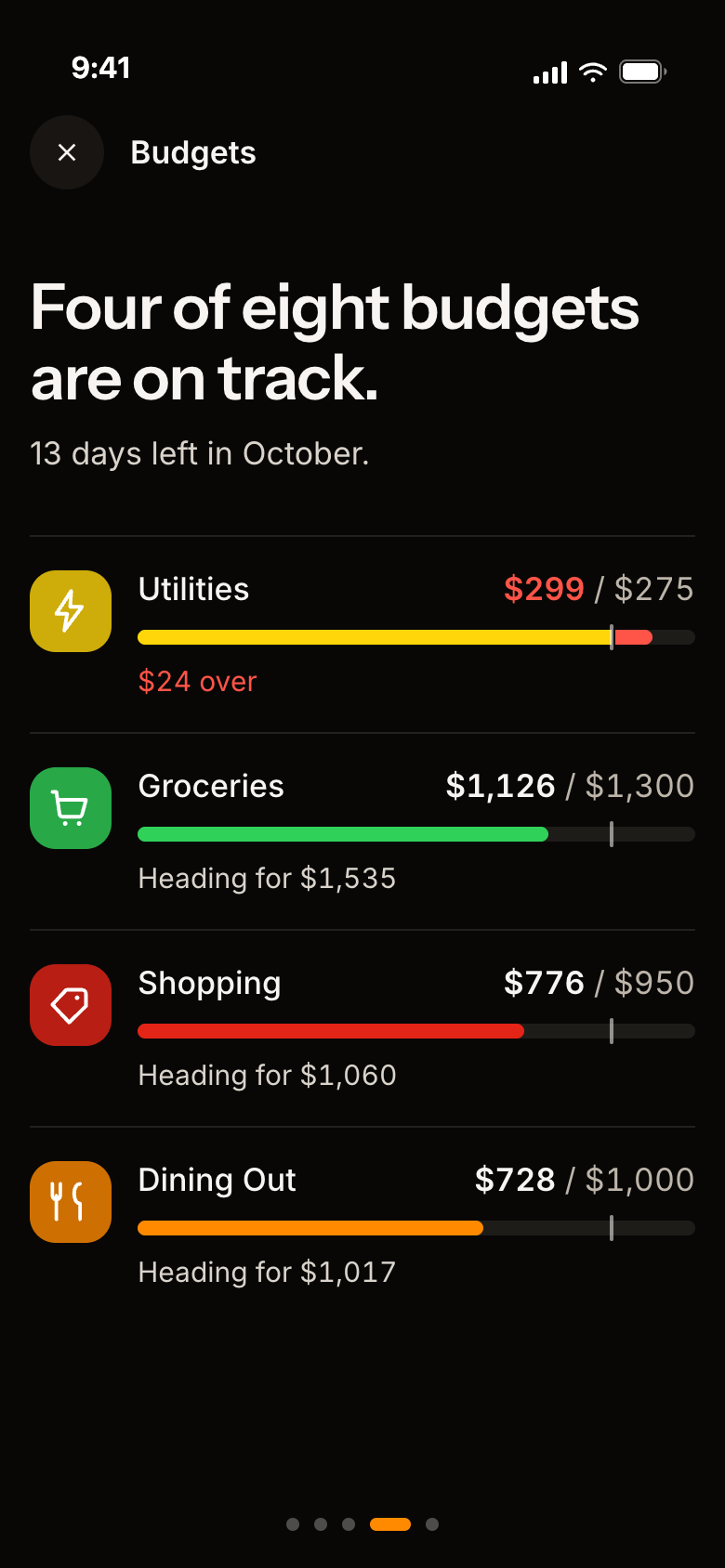
Start from what you really spend.
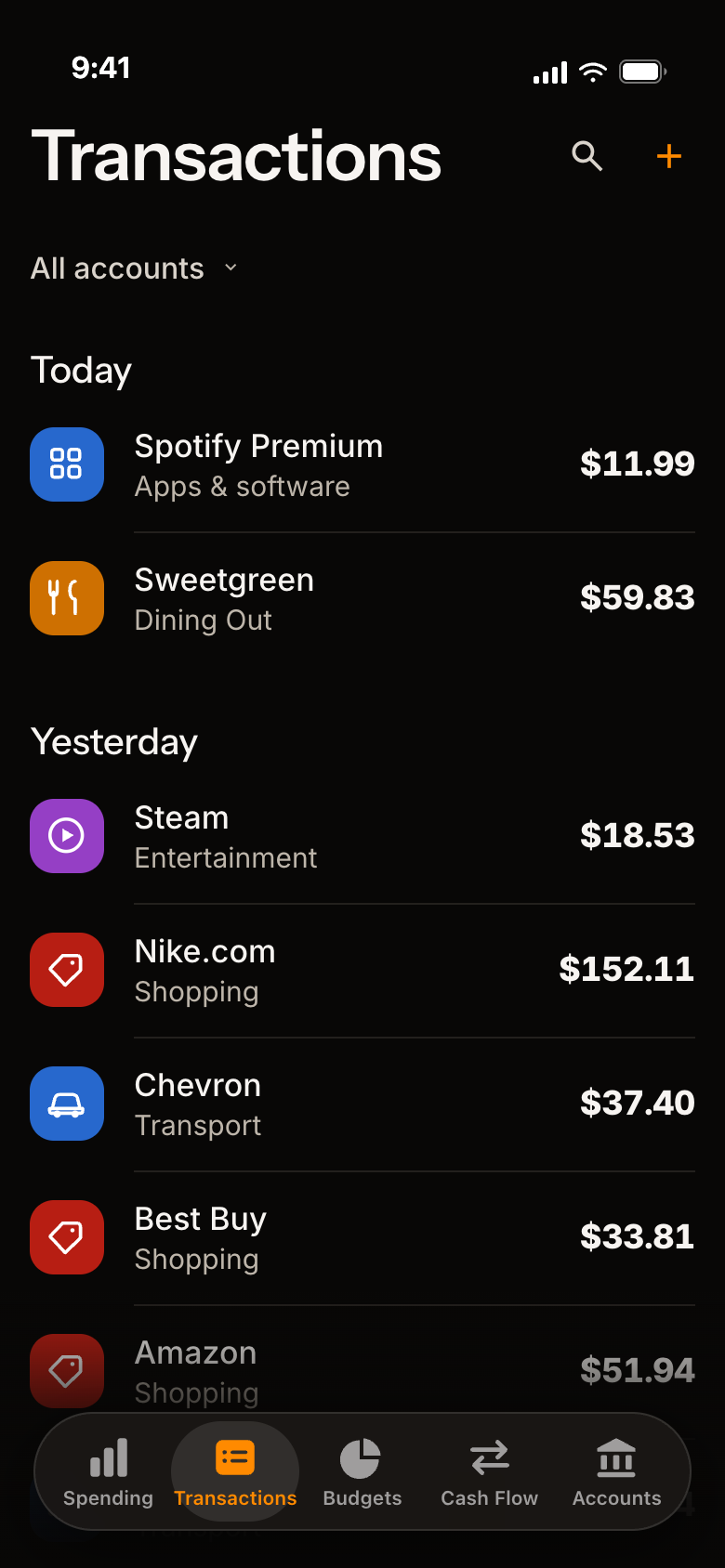
Everything you've spent, in one list.
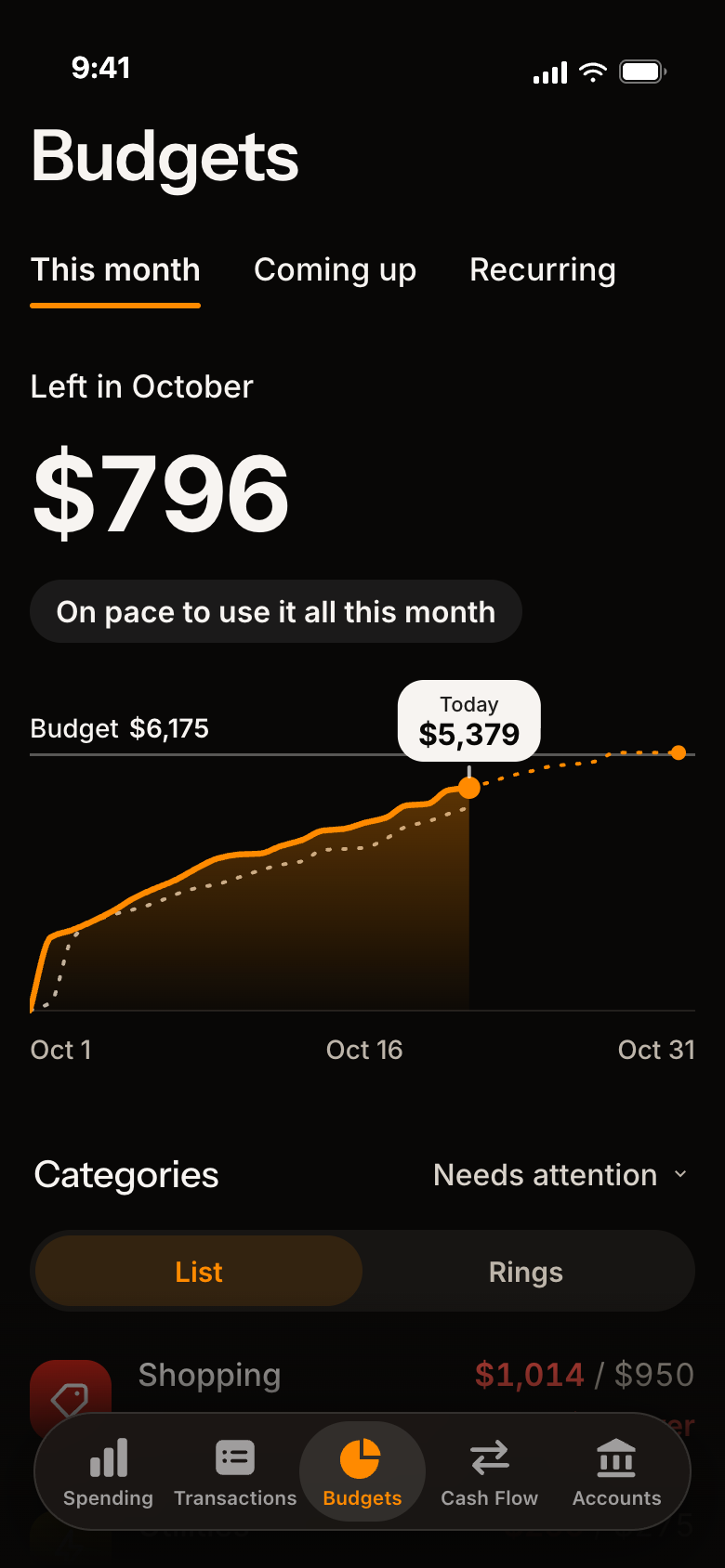
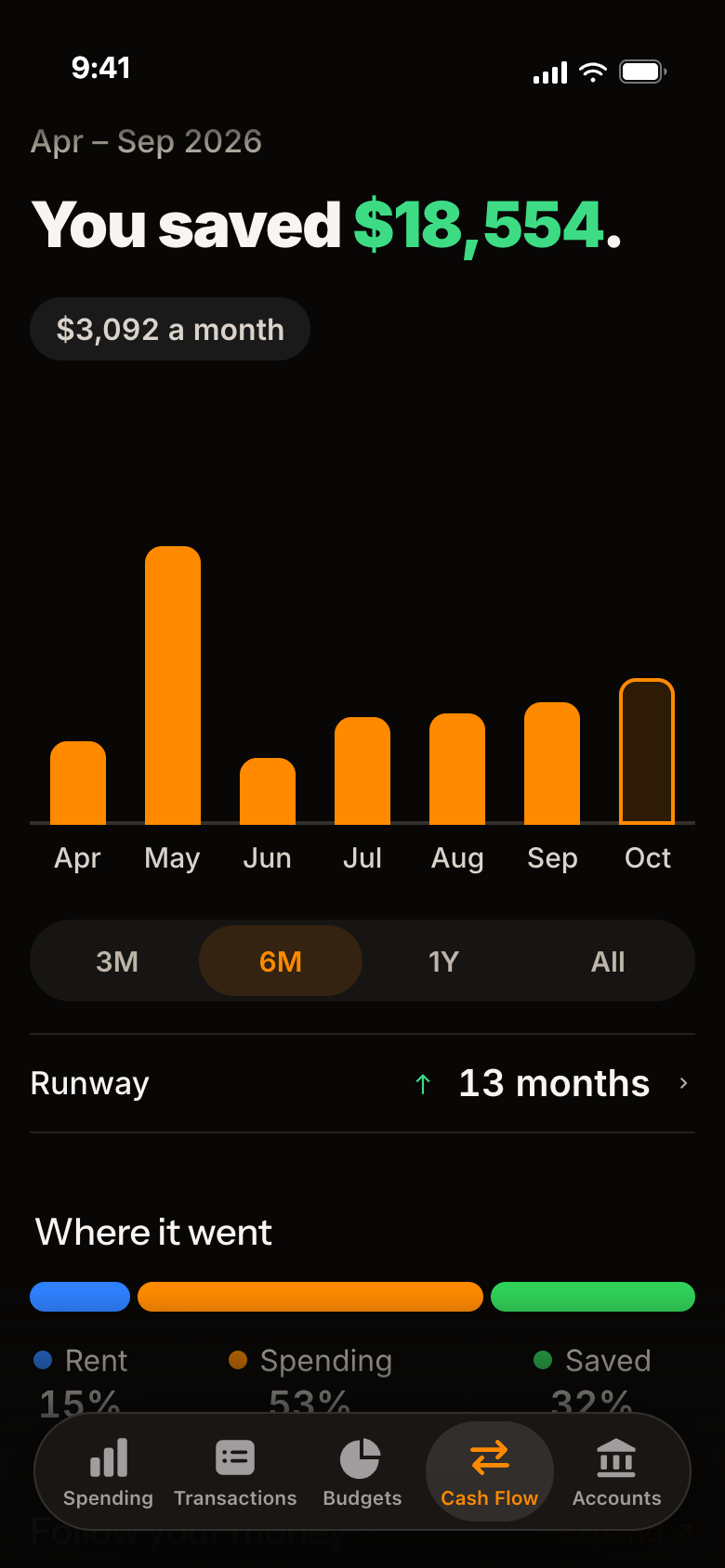
One line tells you.
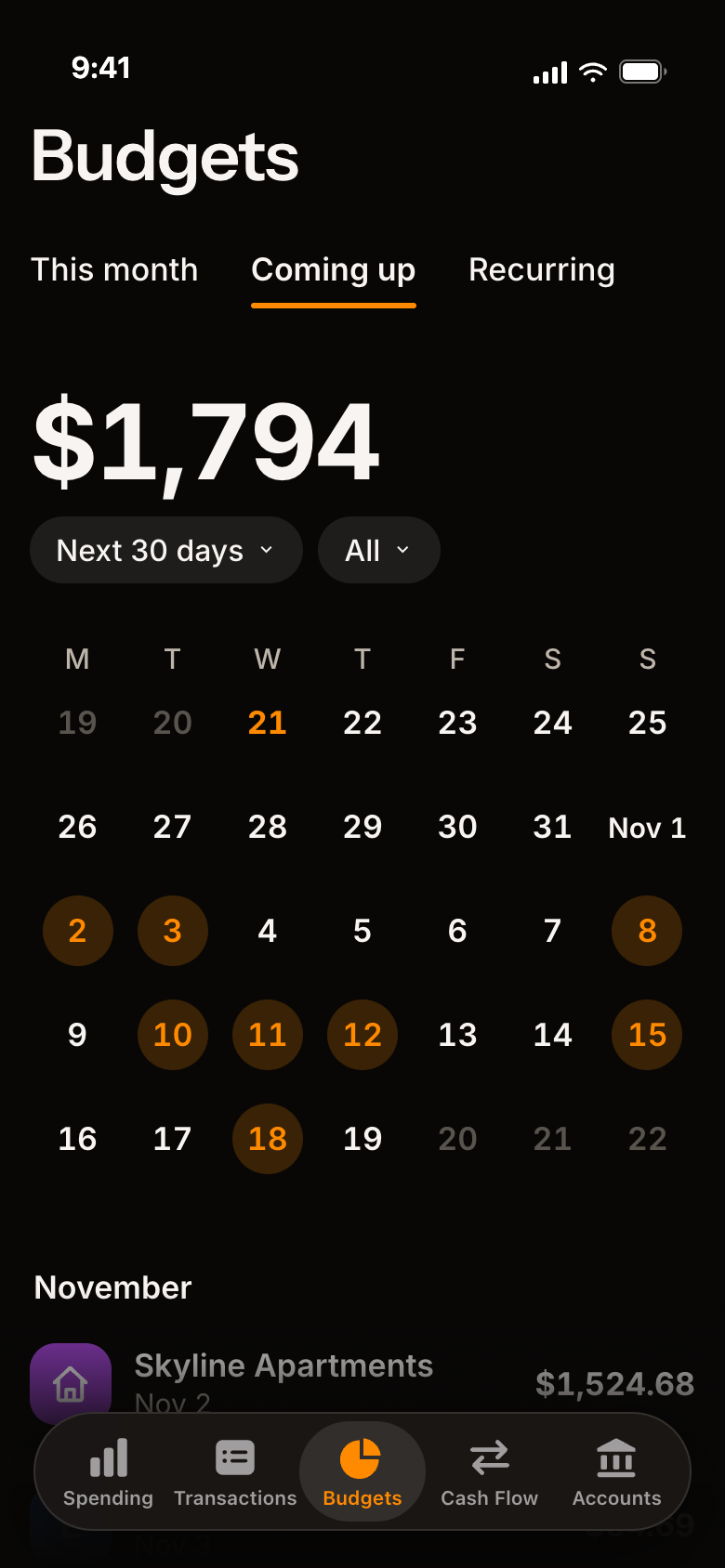
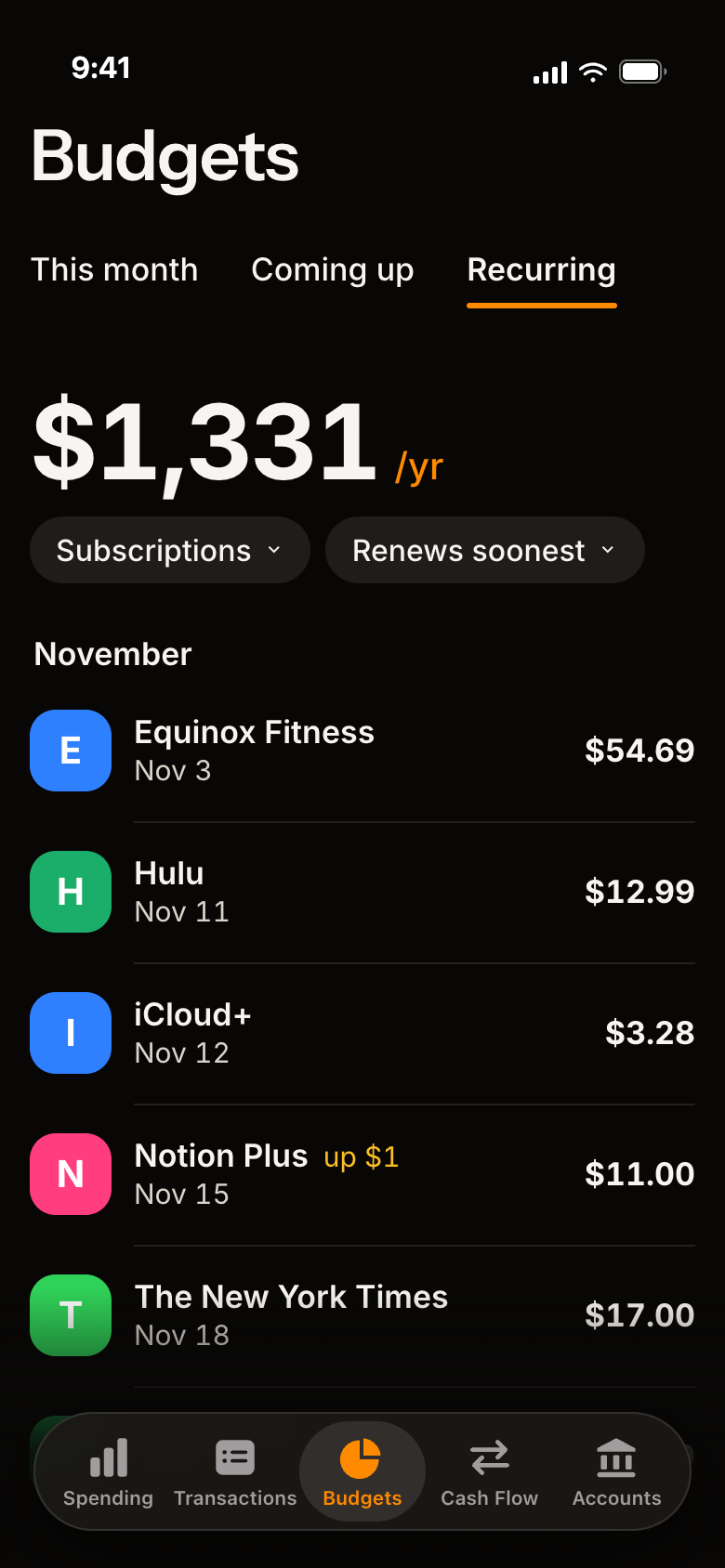
Bills and subscriptions, on a calendar.
Share it as a picture, with or without the amounts.
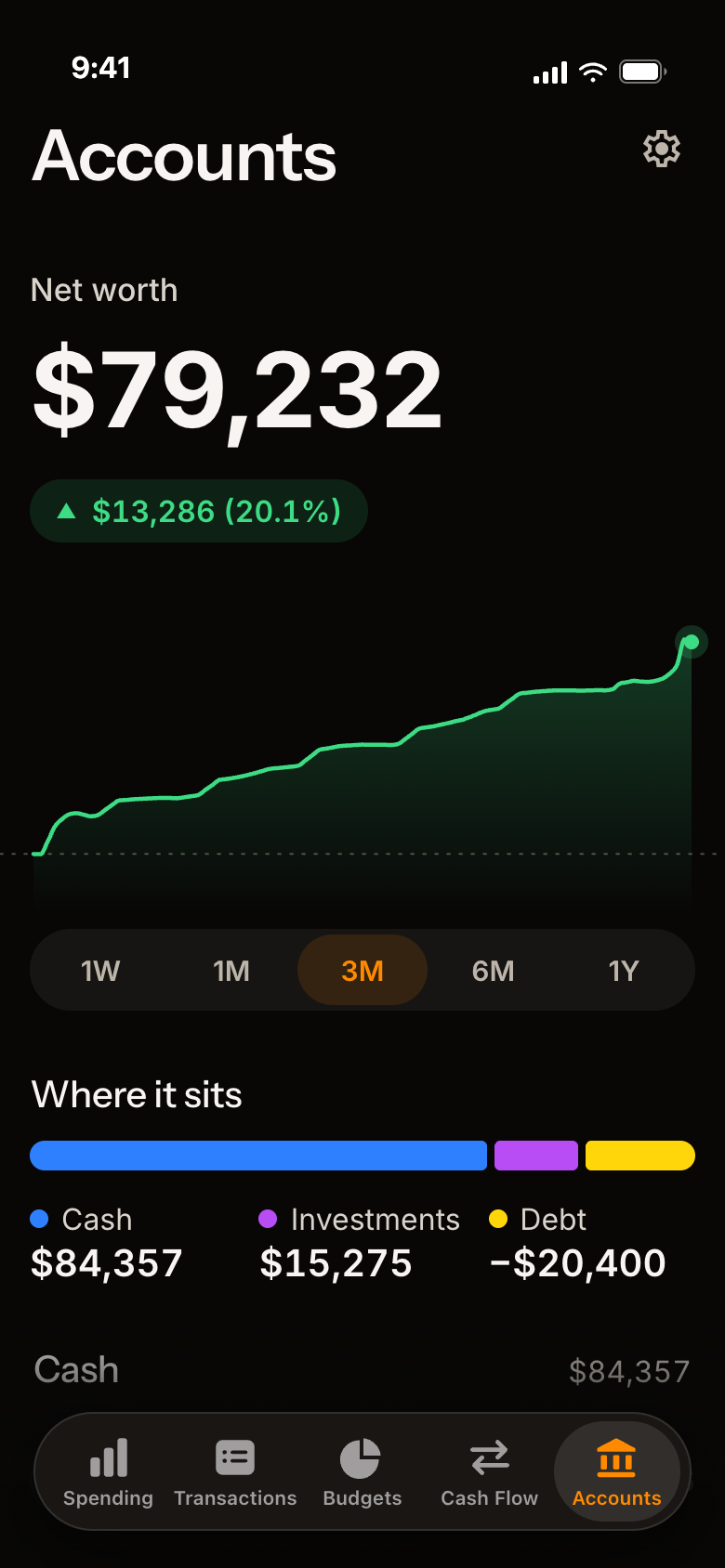
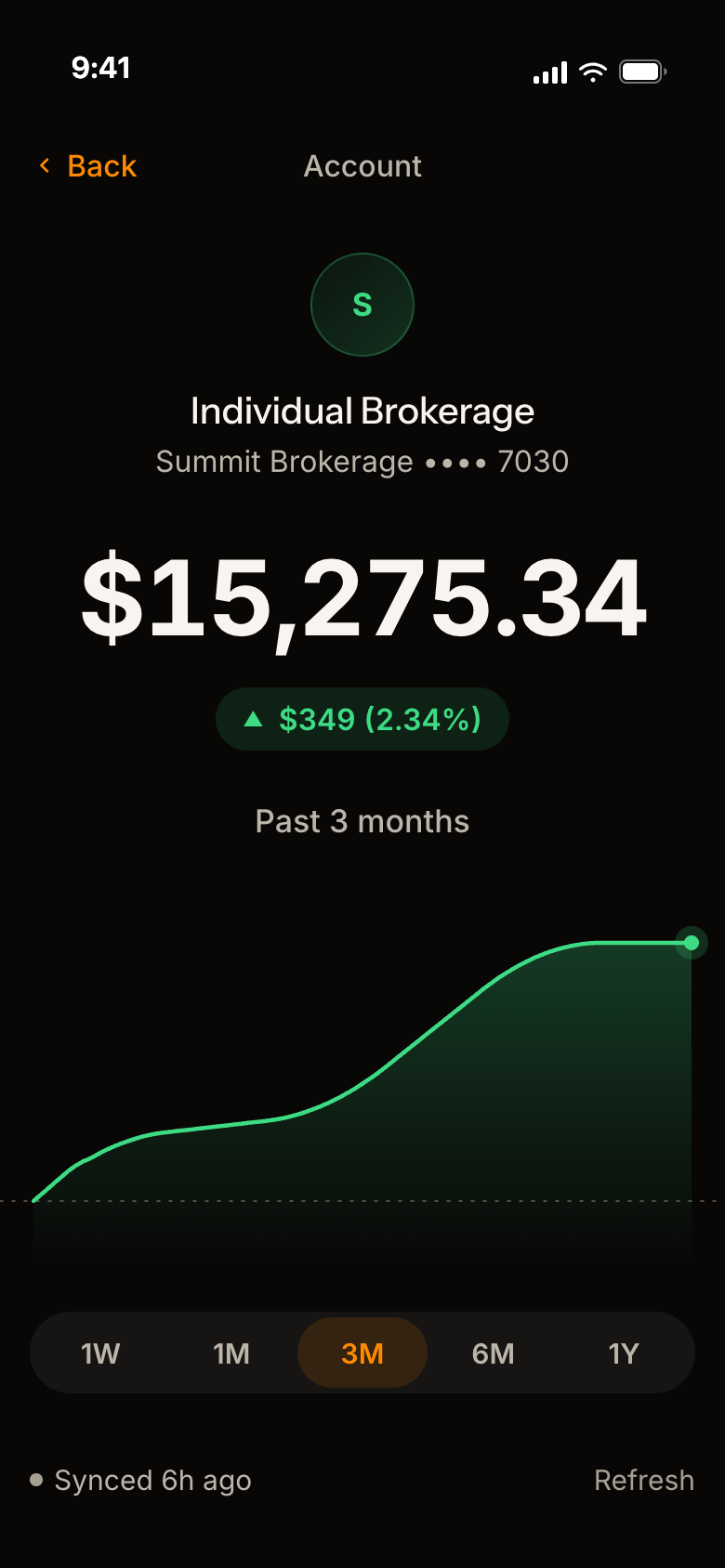
Cash, investments and debt, together.
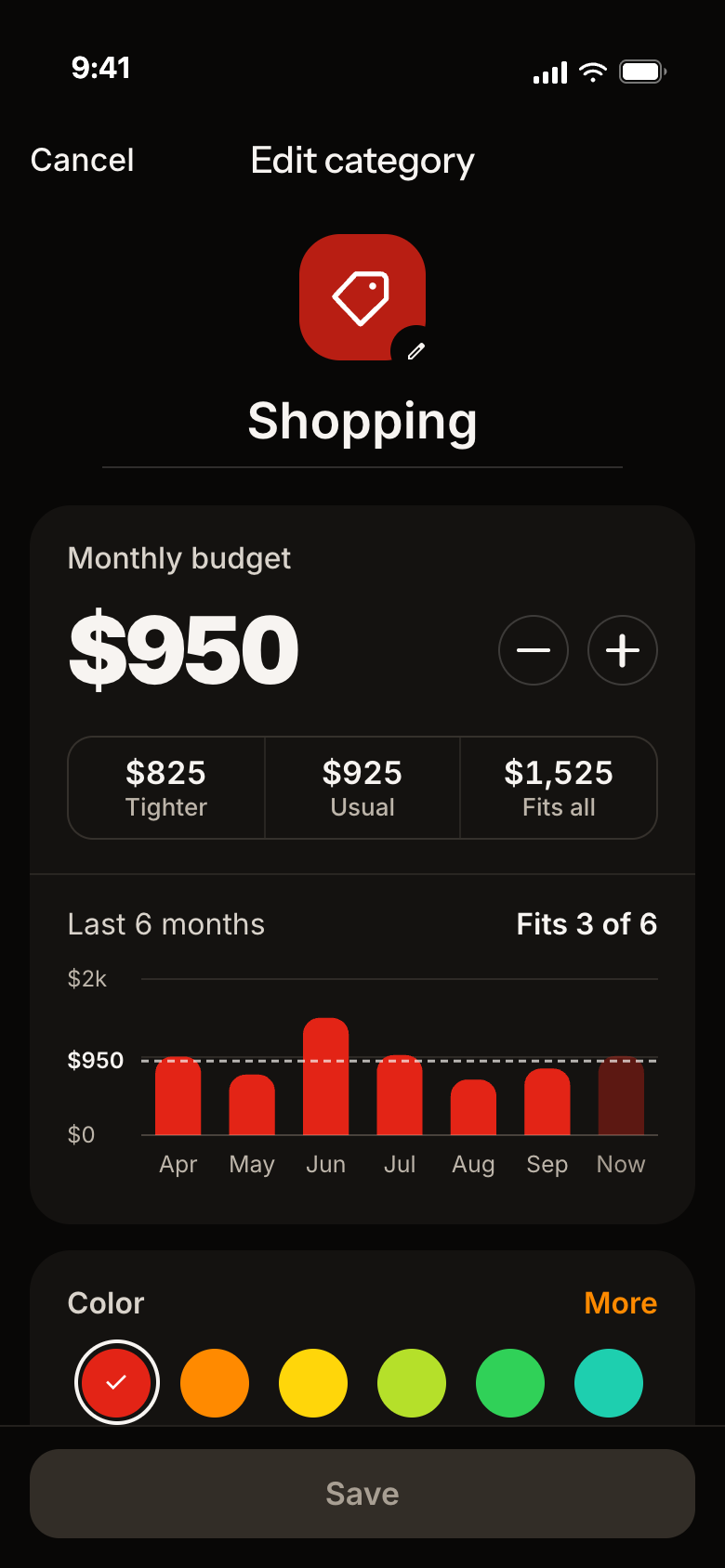
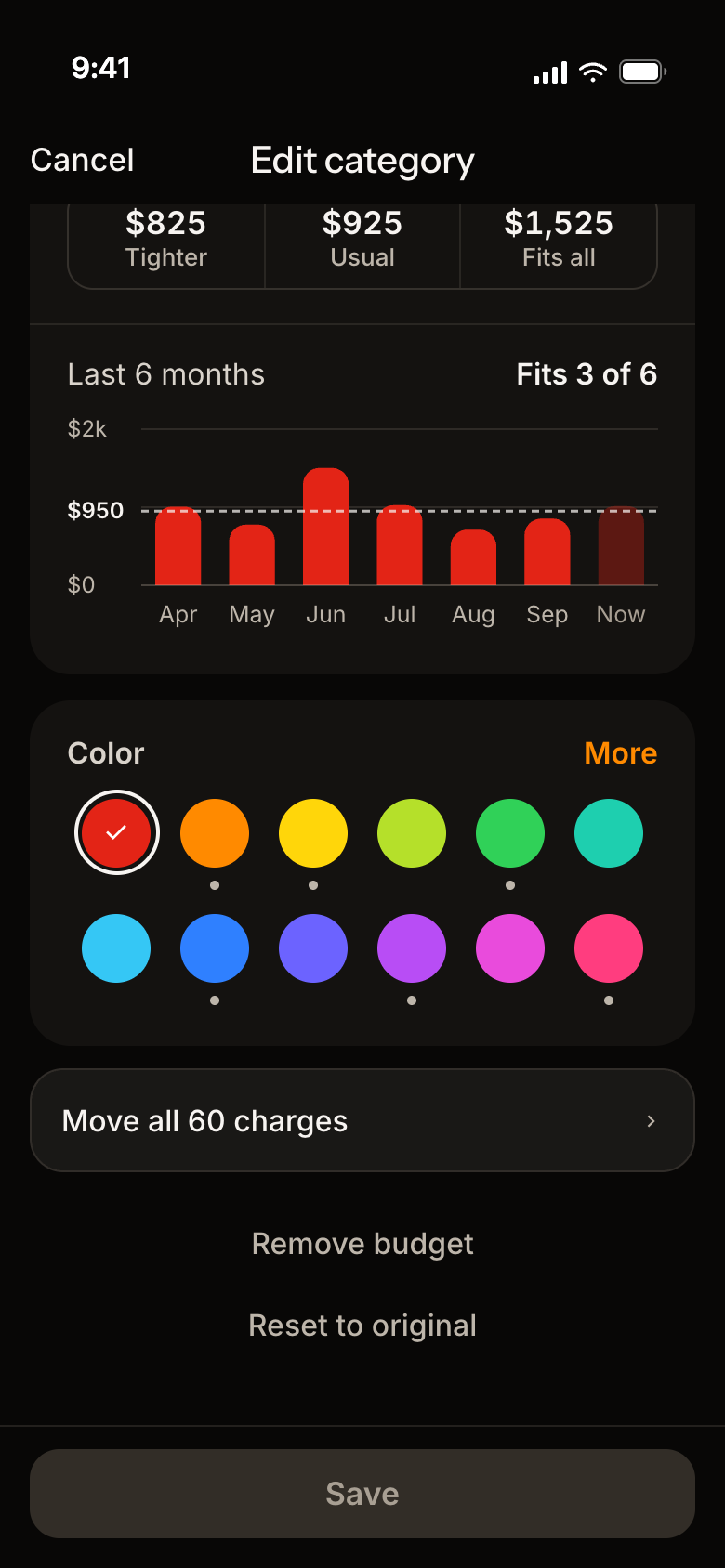
Your categories, your colors, your rules.
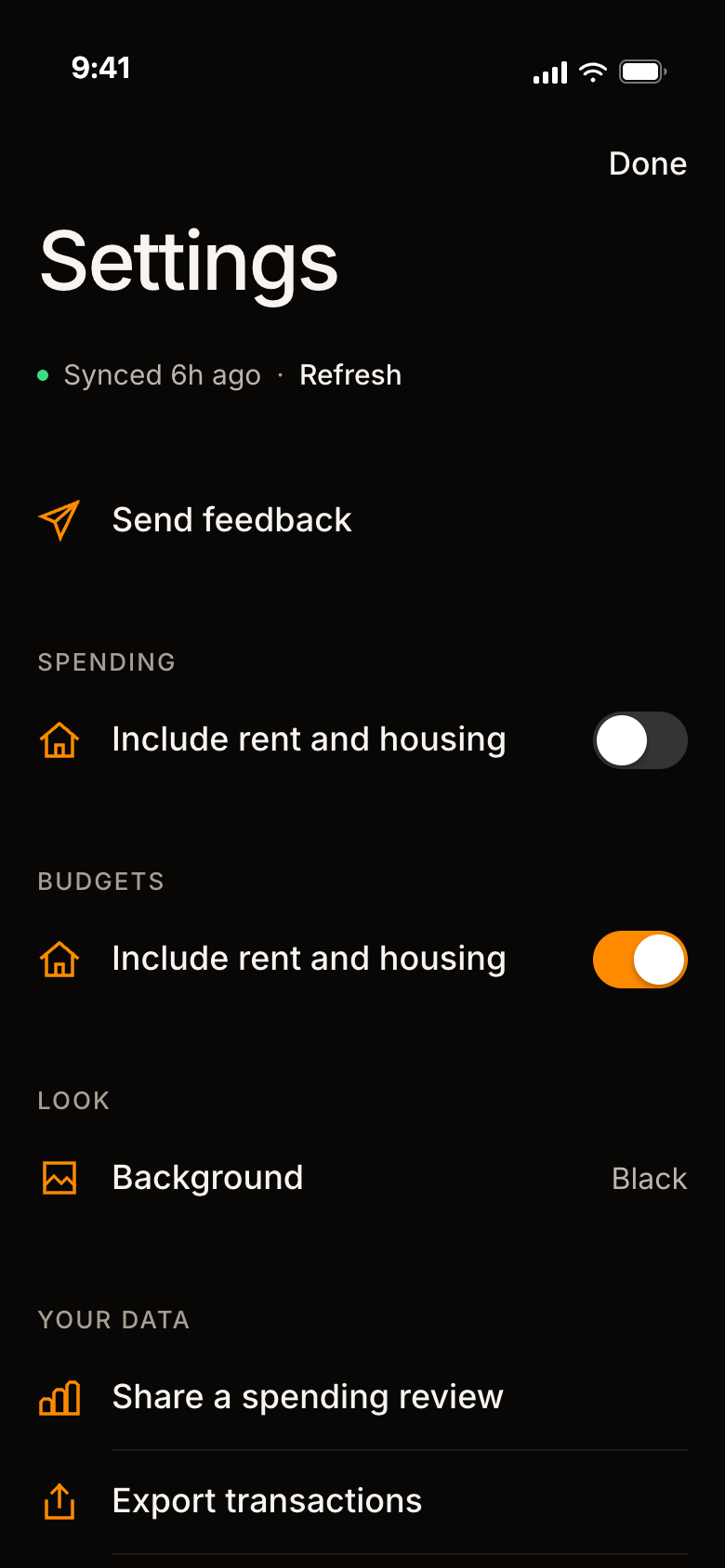
Bring it in. Take it out. Keep a copy.
A good fit if
Not a fit if
Here is where each kind of data lives, so you can check it against the app.
There is no ad or analytics software in the app, and none on this website. The privacy policy has the full list.
Not here? Ask us.
No. There is no Lava Money account to create. You can look around with sample data first.
No. It is a tracking and budgeting tool. It is not a bank and it does not move money.
No. They are kept on your iPhone. When you link a bank, our server passes them to your phone without keeping them.
For each linked bank: an encrypted connection token, a random device ID, the bank's name and the state of the connection. You can remove these in Settings. The privacy policy has the full list.
Plaid is the service that connects to your bank. Your bank login goes to Plaid and never reaches us. You can see and revoke what you have shared at my.plaid.com.
Requests to sync a linked bank, and crash reports sent to Sentry. Anything you export or share, such as a weekly review PDF, goes only where you send it.
No. There are no ads in the app or on this website, and we do not sell personal data.
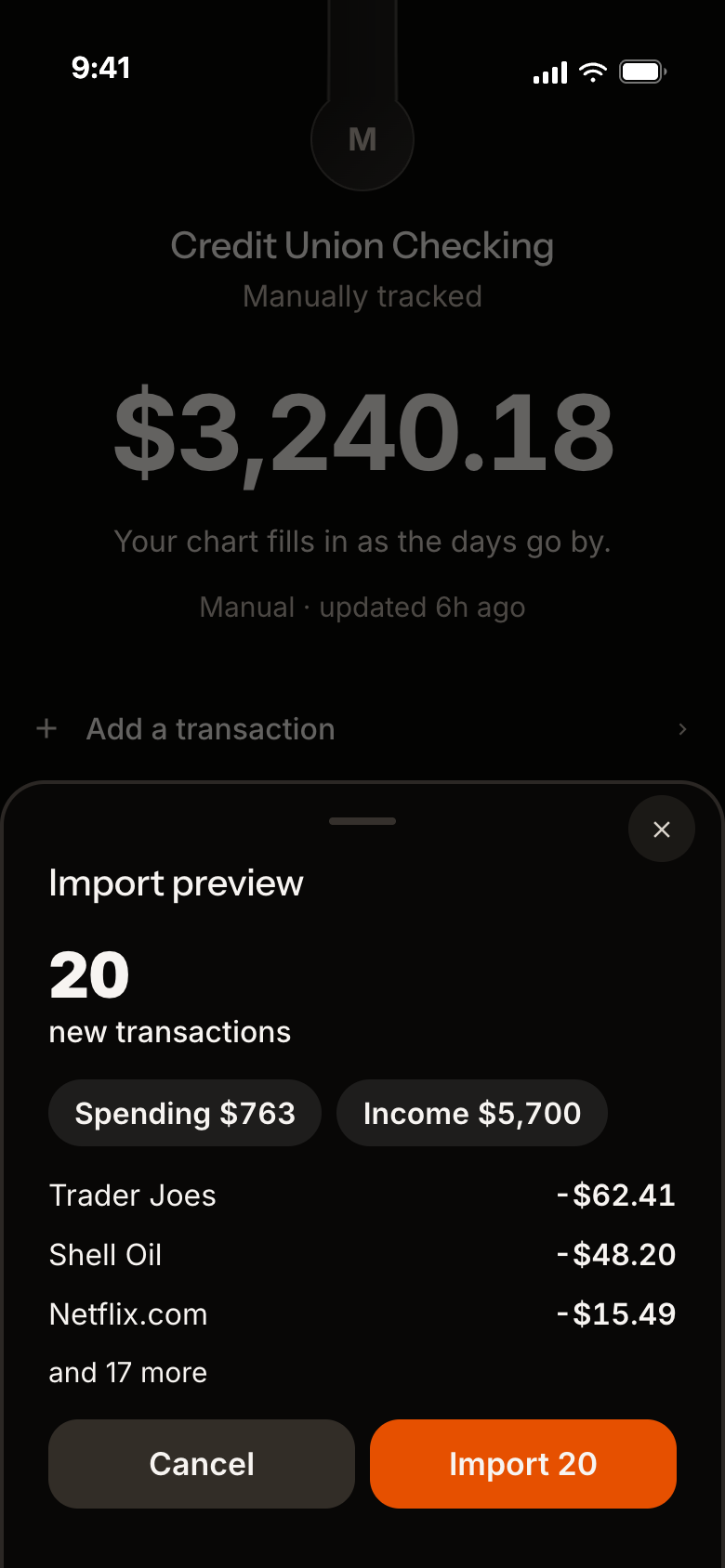
Yes. Add accounts by hand, or import a CSV from your bank.
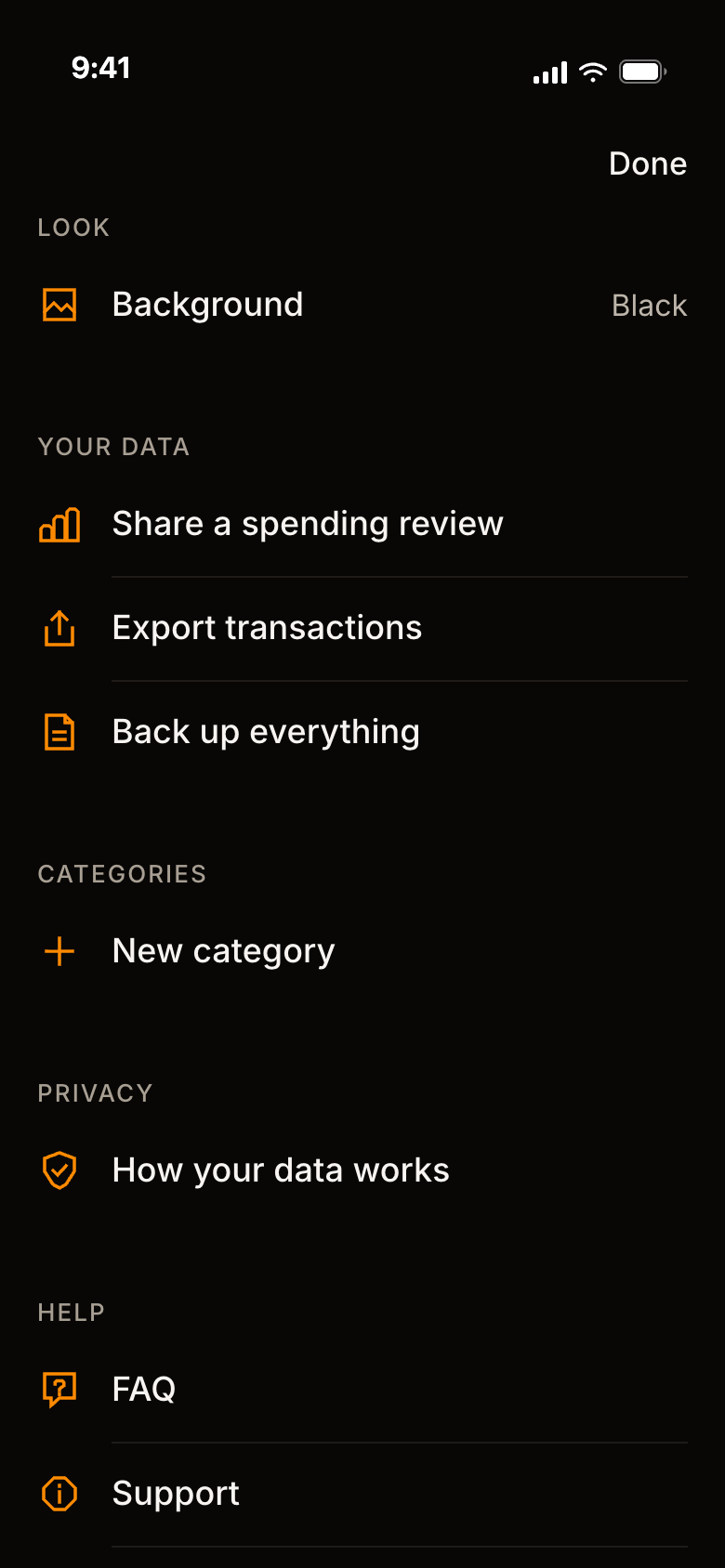
Yes. In Settings, "Export transactions" makes a CSV file and "Back up everything" makes a complete copy you can keep. Both go only where you send them.
Lava Money takes the middle value of the same stretch in your earlier weeks, so one big week does not move it. Around that it draws a range meant to hold about 80% of your ordinary weeks. With fewer than four earlier weeks, it says it is still learning instead of giving a verdict. Rent and mortgage payments that come every month are left out of the total unless you include them.
No. It shows how your spending compares with your own usual.
In Settings, "Remove banks from our server" revokes every linked bank and deletes what our server keeps. "Reset all data" clears everything on the phone. The support page has the steps.
Lava Money is for iPhone only, and it is coming to the App Store. You can join the beta for a TestFlight invite, and we will email you the day it is on the App Store.
iPhone · TestFlight, then the App Store
Lava Money is being tested on iPhone now and is coming to the App Store. Leave your email for a TestFlight invite, and a note the day it is in the store. We use it for that and nothing else.
We never store your transactions.
iPhone · TestFlight, then the App Store